
You don't have to manually retype similar requests every time. OYASO offers two efficient ways to save time: copying an old request for a new transport ("Duplicate") or adding new partners to an ongoing request ("Send").
1. Duplicate a Request (Copy for a new transport)
Do you need to request a shipment that is identical or very similar to one from last week?
-
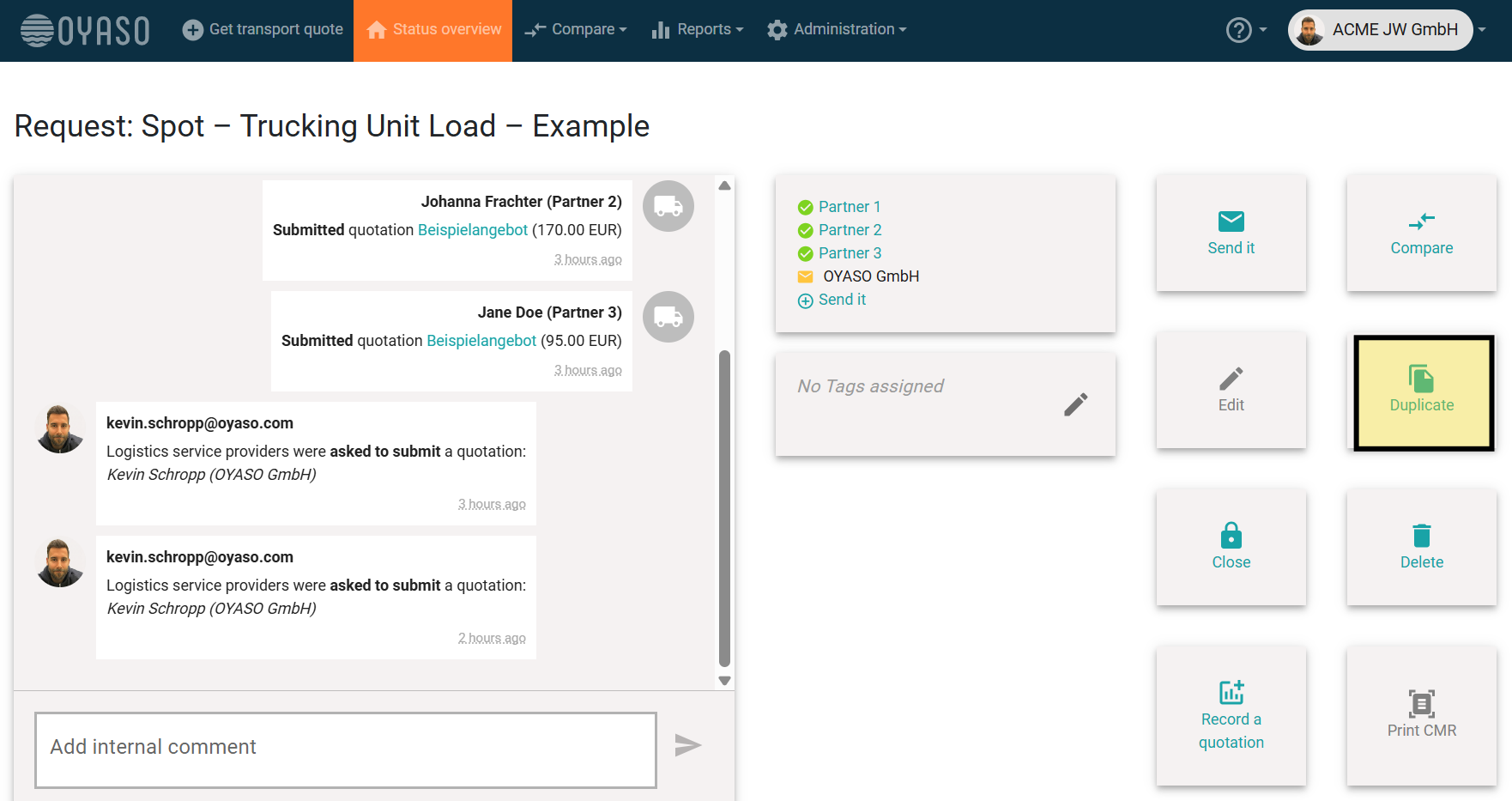
Click the "Duplicate" (Duplizieren) button in your Status Overview or directly within the details of an existing request.
-
What happens? All the data from the old request (dimensions, locations, loading instructions) is instantly copied into a new request.
-
You simply need to adjust the relevant dates and can send the request right away. This eliminates the need to re-enter all the transport details.
2. Resend a Request (Add partners & send reminders)
Would you like to add more service providers to an already active request or send a specific reminder to a partner?
-
Click the "Send" (Versenden) button within the active request.
-
New Contacts: Select partners from your address book who have not yet been invited. The quote request will only be sent to these new recipients.
-
Existing Contacts: You can also resend the request to partners who have already been contacted (e.g., as a friendly reminder in case the original email got lost in their inbox).